Flow for Lightspeed Retail is coming soon. Join early access
Epos Now Order Templates

Every customer-facing document should look like it came from your business.

Turn Epos Now transactions into branded invoices, quotes, delivery notes, packing slips, food labels and receipts, with the right details for each job.
Brand appliedAny media sizePrint or save as PDF
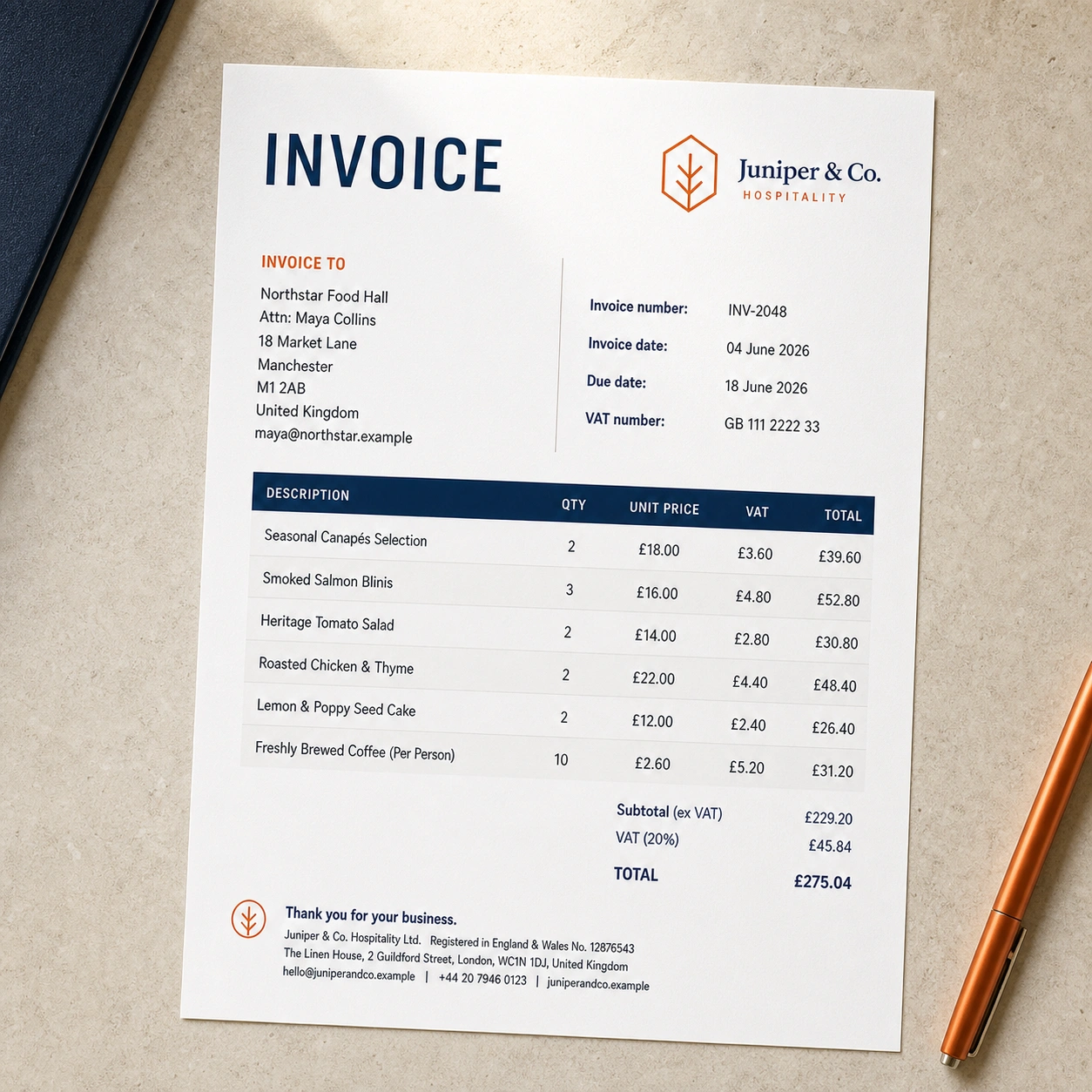
A branded invoice printed on a hospitality workspace
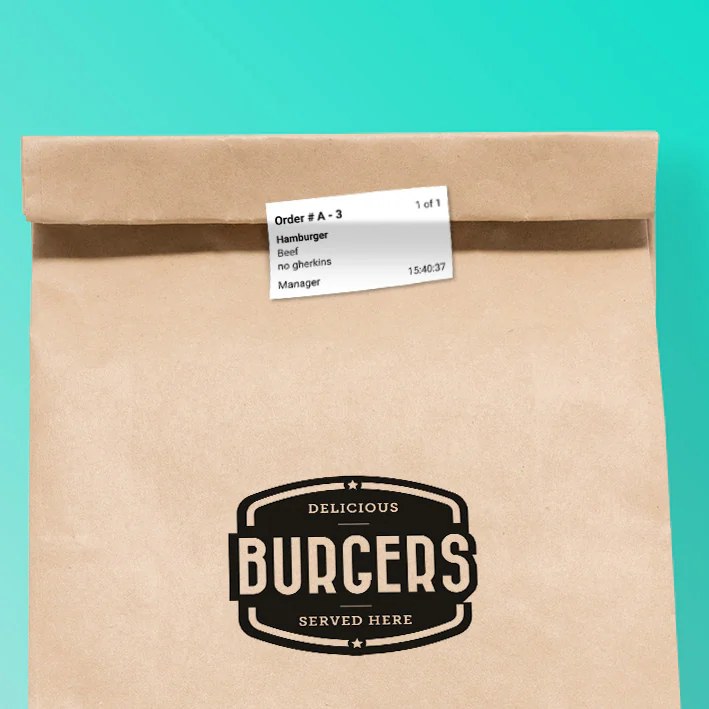
A printed food order label attached to packaging
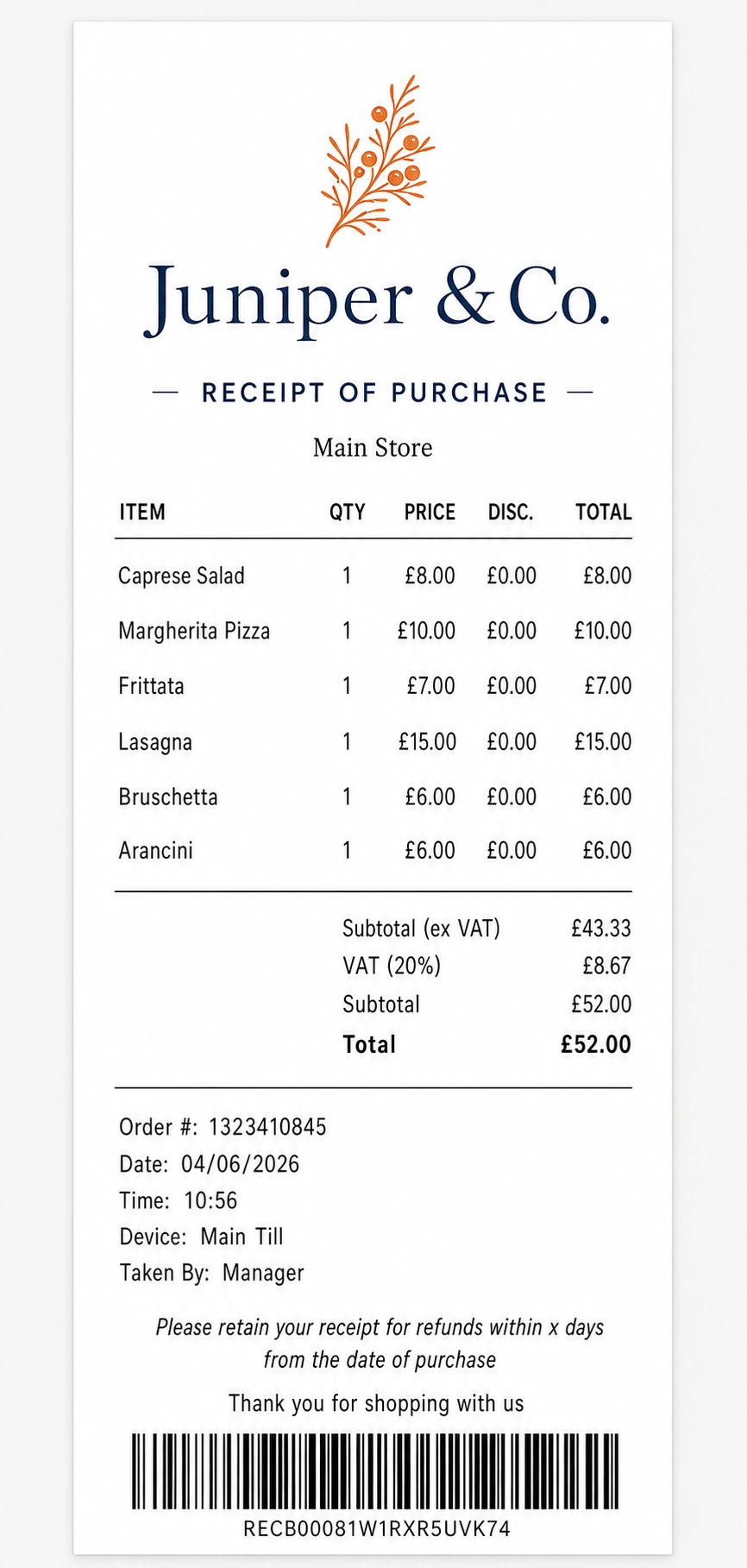
A polished Juniper and Co. receipt
One transaction. The right document for every job.
Trusted in the real worldMorgan Motor CompanyAJ BellCrowne PlazaPowerleagueBatchdDunfermline Athletic
More than a logo on a receipt

Documents designed around the job they need to do.

Choose a starting template and tailor it, or begin with a blank canvas and create your own size.

A branded invoice printed on a hospitality workspace
INVOICE

Invoices

Professional billing documents with customer, payment and tax detail.
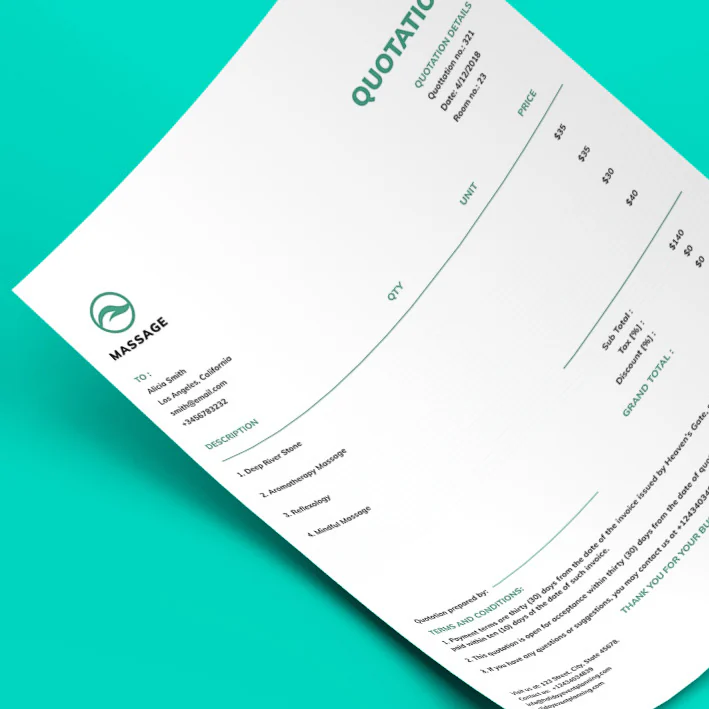
A branded quotation document
QUOTE

Quotes

Present clear proposed work or orders before they become transactions.
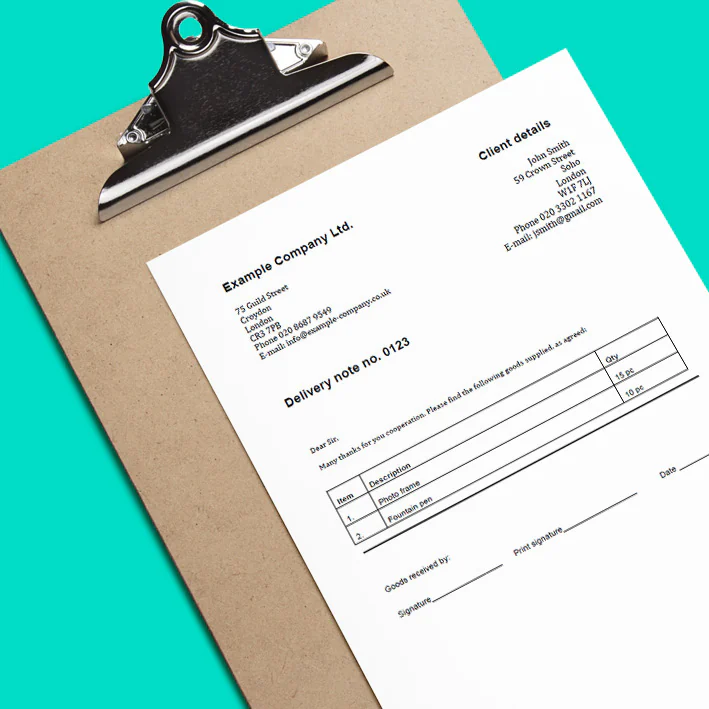
A delivery note attached to a clipboard
DELIVERY

Delivery notes

Give drivers and recipients the information they need for each delivery.
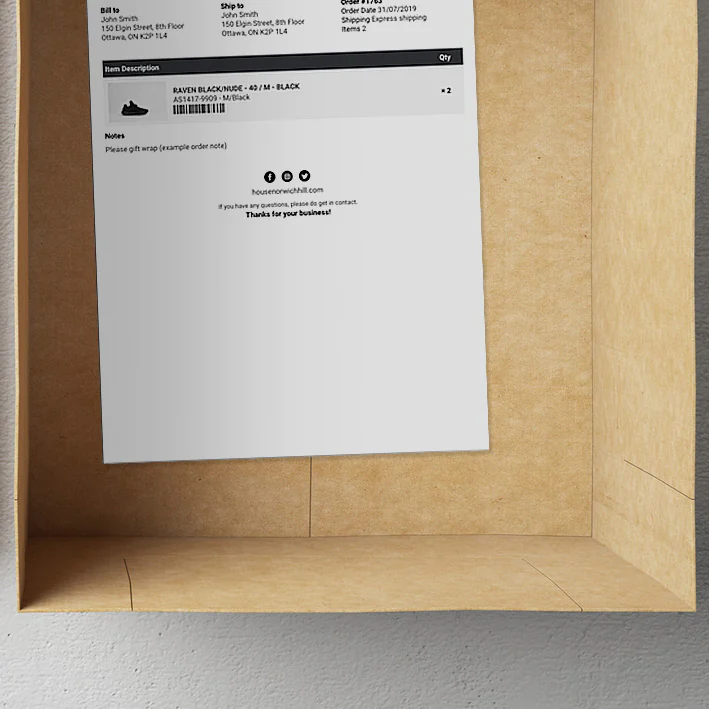
A packing slip containing shipping and product details
PACK

Packing slips

Help fulfilment teams pick, pack and verify the right items.

A food order label attached to takeaway packaging
LABEL

Food labels

Create practical labels with product, date and allergen information.

A polished Juniper and Co. receipt
RECEIPT

Receipts

Move beyond the standard till printout with a polished branded layout.

Start from scratch

Create any document, at any media size.

Begin with a blank canvas, set the exact width and height, then add the Epos Now fields, text, images and styling the job requires.

  • Exact dimensions
  • Any Epos Now field
  • Your own layout
Use it where the work happens

Open it from the till, back office or another device.

Choose the route that suits the job. You can use Order Templates in a browser on a PC, Mac, tablet or phone. To print, that device needs to be able to connect to your printer.

01

On your till

Epos Now app

Open Order Templates inside the Epos Now app on a Windows or Android till.
02

From Epos Now

Back Office browser

Sign in to Epos Now Back Office on another device, then open Order Templates.
03

From Slynk

Slynk dashboard

Sign in to the Slynk dashboard and open Order Templates from your apps.
04

Direct access

Browser link

Request a direct Order Templates link from Slynk Support and open it in a browser.
A proper template builder

Build it your way, from the content up.

Start with a ready-made design or a blank canvas, then add the content, Epos Now data and layout the document needs.

  • Add as many text and image fields as you need
  • Choose from a wide range of Epos Now fields
  • Arrange everything with the drag-and-drop layout builder
  • Preview the finished document with real order data
Explore the template builder →
ContentLayoutPreviewDraft saved

Add content

T Text field Image Epos Now field Order table
INVOICEYOUR LOGO
£128.40
Unlimited building blocks. Drag them into place.
Flexible document views

Different teams need different documents.

Use the same transaction to create the exact view required by the customer, warehouse, driver or kitchen.

  • Choose which line-item details appear
  • Show or hide price and tax information
  • Add translations or custom labels
  • Create different layouts for the same transaction
Choose which line-item details appearSelected
Show or hide price and tax informationHidden
Add translations or custom labelsTranslated
Create different layouts for the same transactionReusable
See it in action

See a transaction become a finished document.

Watch Epos Now order data become a branded, practical document ready to print or save as a PDF.
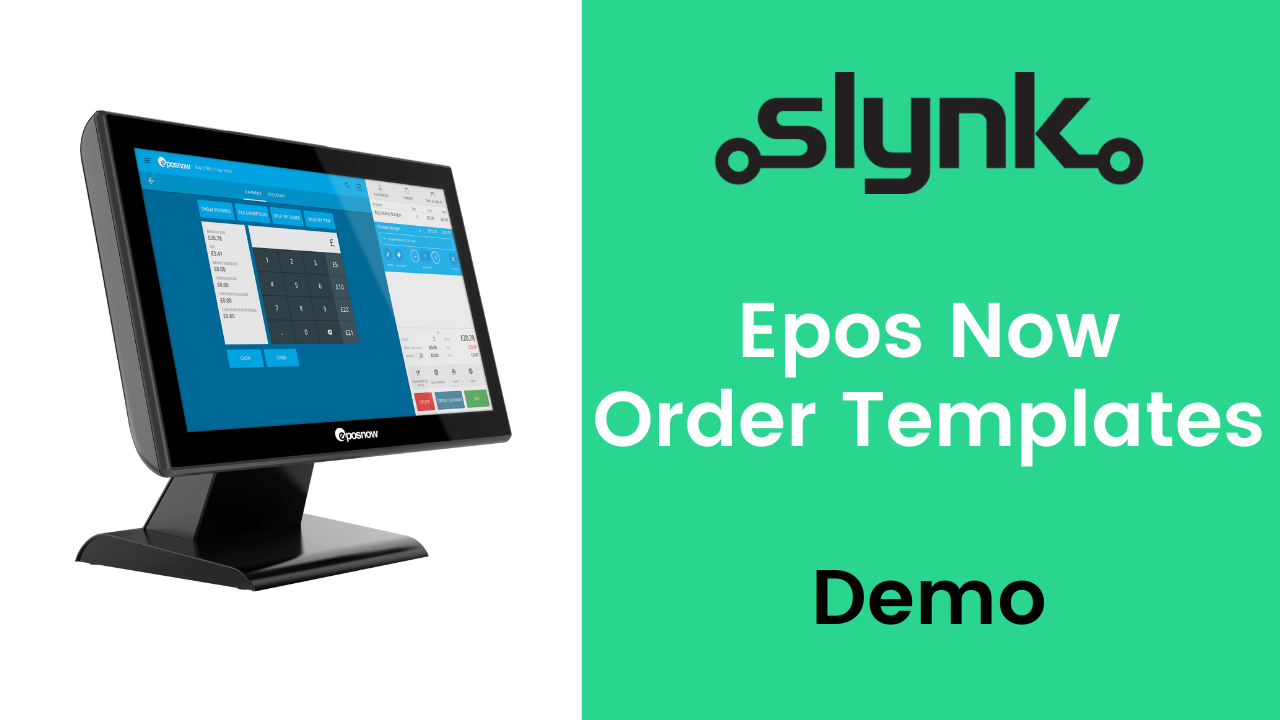
Full product demoEpos Now Order Templates Demo

Turn one everyday document into a reusable template.

Choose a plan, start from an existing design and publish it for your team when it is ready.