Flow for Lightspeed Retail is coming soon. Join early access
Order Templates · Features

Build every document around the job.

Start with a template or blank canvas, add the Epos Now data, text and images you need, then arrange and preview everything before you publish.

Unlimited content blocksDrag-and-drop layoutLive order preview
ContentLayoutPreviewDraft saved

Add content

T Text field Image Epos Now field Order table
INVOICEYOUR LOGO
£128.40
Unlimited building blocks. Drag them into place.
Content blocks

Add exactly what the document needs.

Build the content from your own text and images alongside the transaction data already held in Epos Now.
  • Add as many custom text fields as you need
  • Add and reuse as many images as you need
  • Choose from order, customer and product fields
  • Set prefixes, suffixes, alignment and styling
See content and settings →
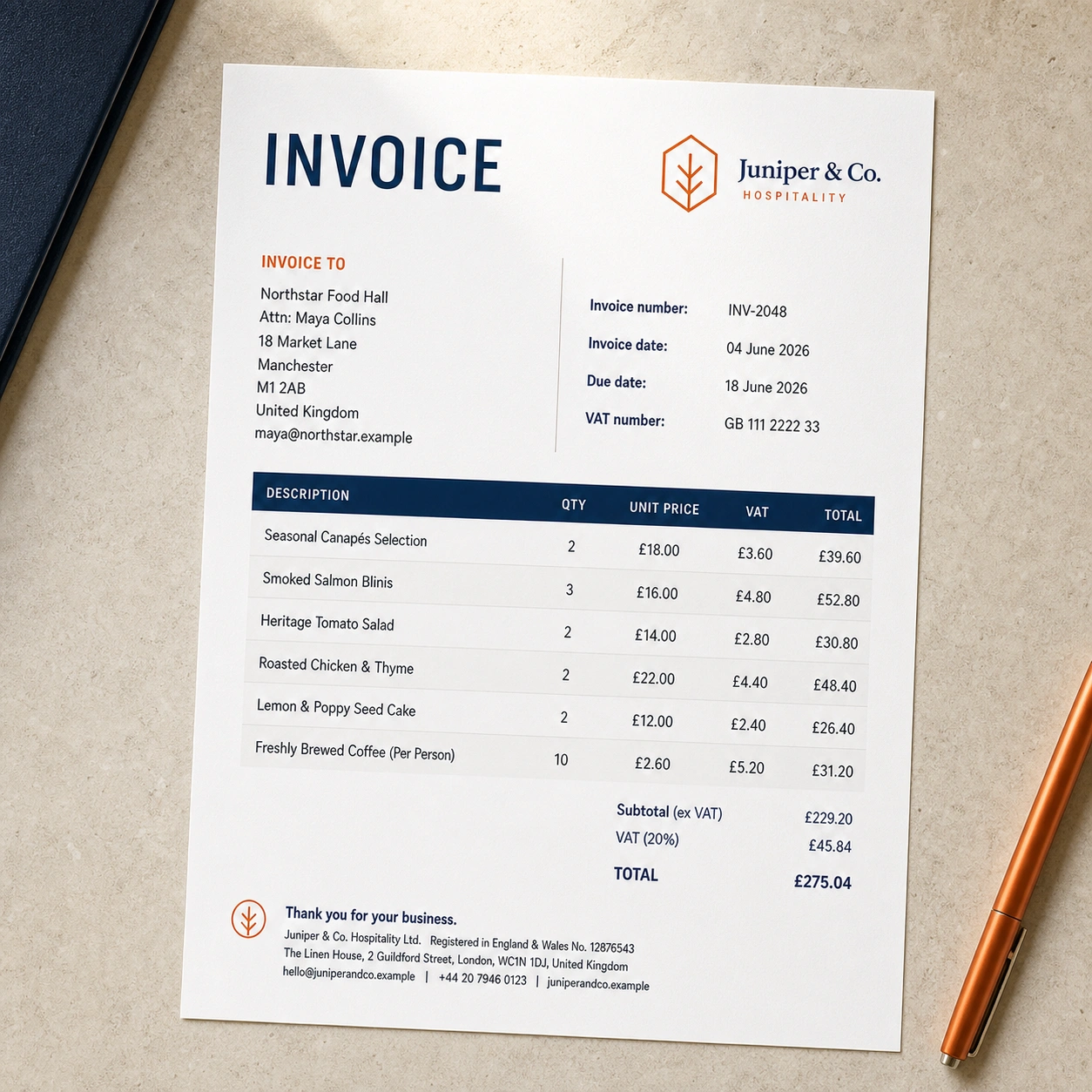
A branded invoice printed on a hospitality workspace
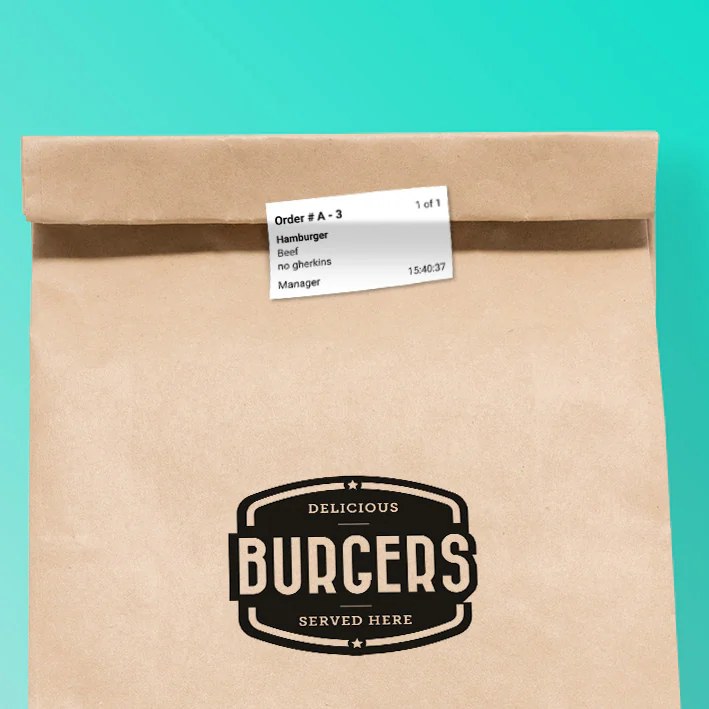
A printed food order label attached to packaging
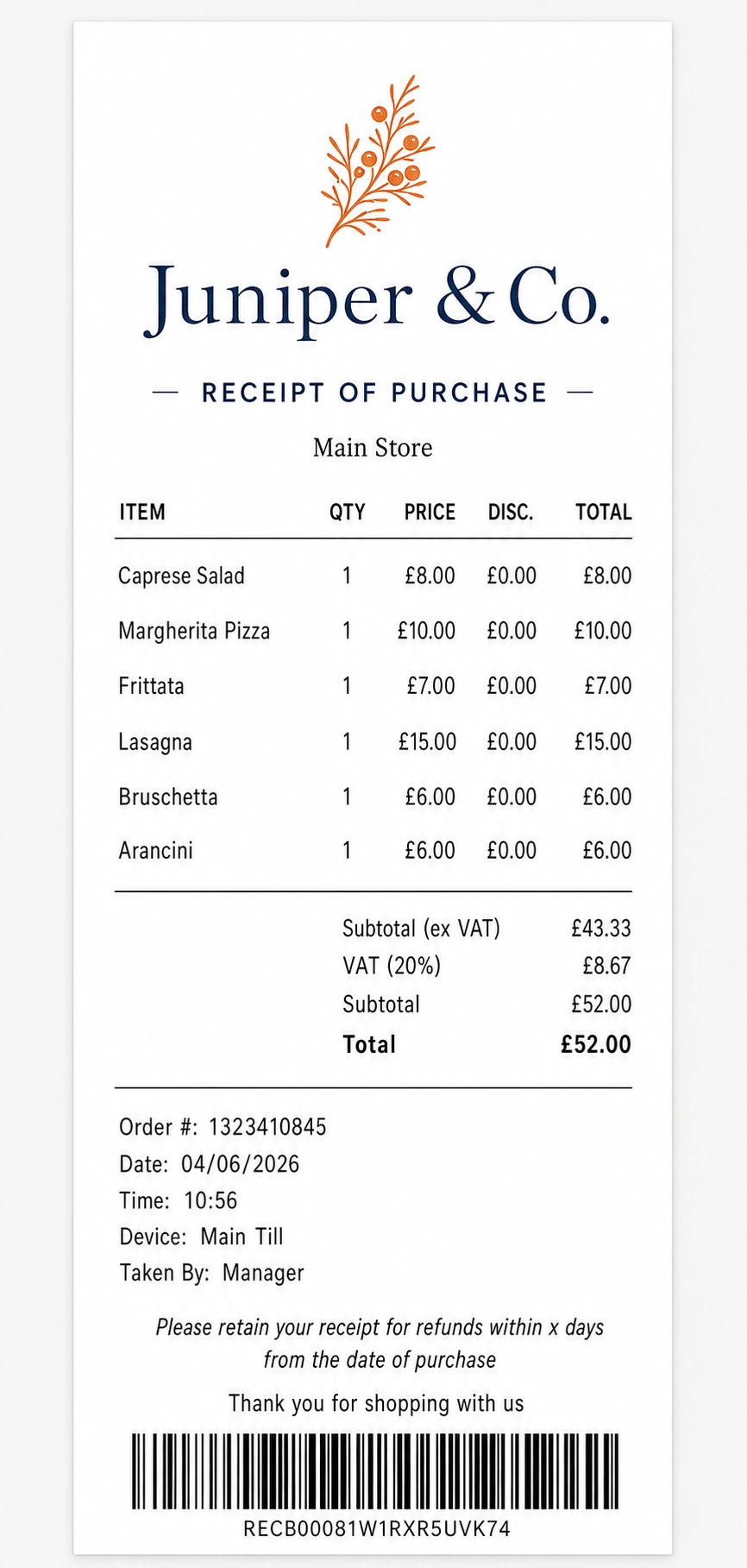
A polished Juniper and Co. receipt
One transaction. The right document for every job.
Layout builder

Place every element where it belongs.

Build the page from flexible rows and columns, then drag each content block into the right position.

  • One, two and three-column row layouts
  • Exact paper width, height and margins
  • Reusable spacers and footer content
  • Temporarily park unused elements off the page
See the layout builder →
One, two and three-column row layoutsFlexible
Exact paper width, height and marginsExact
Reusable spacers and footer contentConsistent
Temporarily park unused elements off the pageReusable
Detailed document control

Go beyond a standard layout.

Control the data, presentation and page format so the same Epos Now transaction can become a useful document for any team.

TABLES

Order item tables

Choose the columns, labels, widths, alignment and order for every line item.

TOTALS

Tax and tender summaries

Add the summary data you need and style table headers, rows and alternate rows.

BRAND

Fonts, colours and footers

Set heading and body fonts, colours, spacing, footer content and your own images.

FORMAT

Documents or item tickets

Create a complete document or produce one page or label for every item in the order.

Preview before publishing

Test the finished document with real order data.

Load a sample Epos Now order and check the content, paper boundaries and page breaks before anyone uses the template.

  • Preview with a selected Epos Now order
  • See the exact paper boundary
  • Check where each page will break
  • Keep changes in draft until they are ready
See preview guidance →
Preview with a selected Epos Now orderLive data
See the exact paper boundaryExact size
Check where each page will breakMulti-page
Keep changes in draft until they are readySafe
Create & clone

Reuse a good layout for the next job.

Create a new template or clone one you already use, then tailor it for a different location or purpose.

  • Location-specific versions
  • Quotes based on invoice layouts
  • Remove tender details and add quote terms
  • Packing slips without prices
See how templates are managed →
Location-specific versionsPer location
Quotes based on invoice layoutsReuse layout
Remove tender details and add quote termsQuote-ready
Packing slips without pricesNo prices
Till workflow

Control what happens when the team opens the app.

Choose a deliberate selection flow or make the default template available for the last order with fewer taps.

  • Show the order list before choosing a template
  • Use the last order, then choose a published template
  • Print the last order with the default template
  • Trigger the standard Epos Now order print and choose copies
See the till workflow →
Show the order list before choosing a templateBrowse
Use the last order, then choose a published templateChoose
Print the last order with the default templateDefault
Trigger the standard Epos Now order print and choose copiesOn demand

Ready to create your first template?

Choose a plan, start from a document type and build as many drafts as you need before publishing.