A clearer open-order list
Help staff distinguish current work from transactions left behind weeks ago.
Morph · Till maintenance
Old held orders should not become tomorrow’s admin. Morph clears Epos Now held or ordered transactions that match your age and status rules, on a schedule you control.
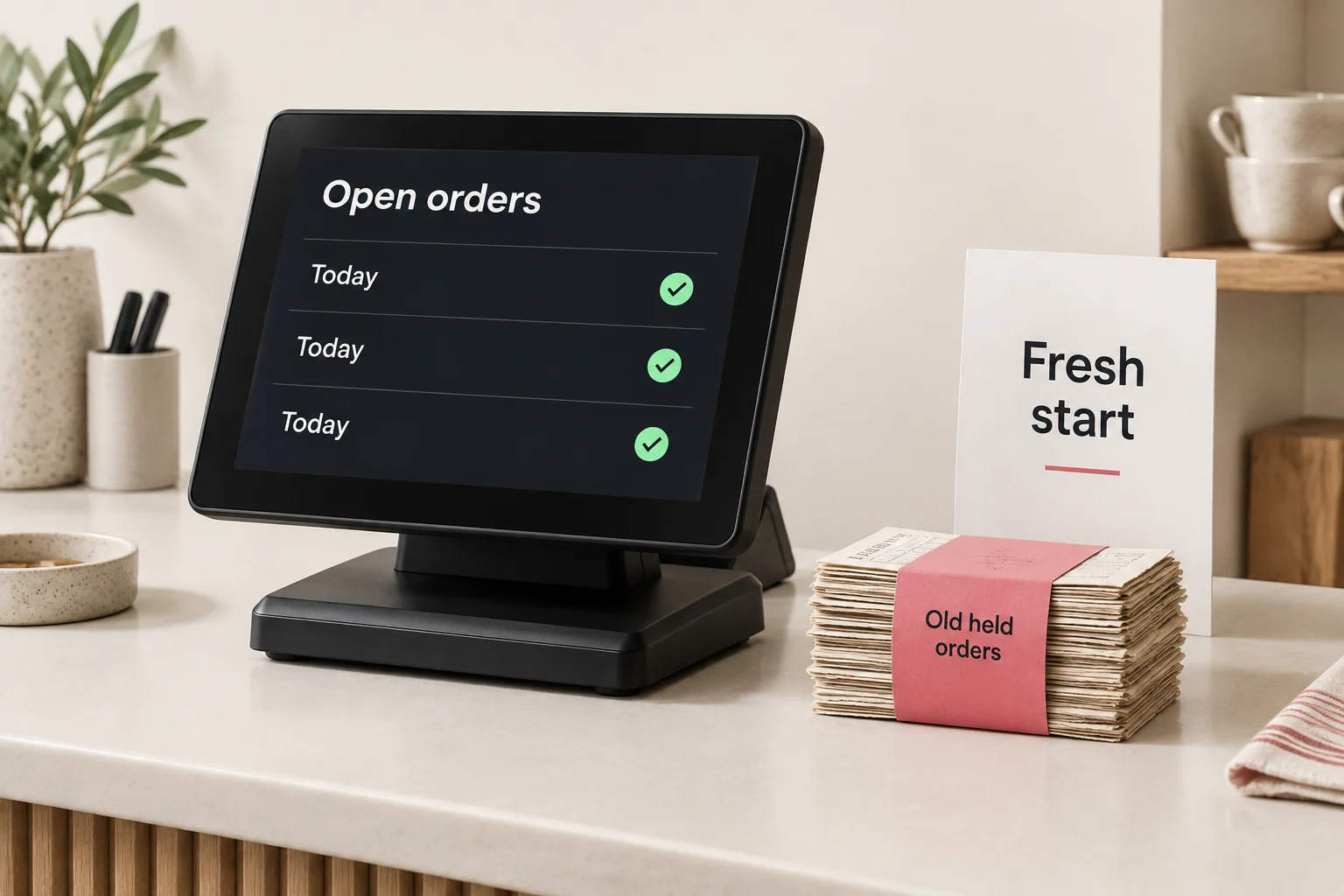
One reviewed rule. A repeatable start to the day.
Start with the held or ordered transaction template. Set the status and age threshold to suit the way your business handles open orders.
Run a simulation and inspect every matched transaction. Check that genuine open customer orders are not included before enabling deletion.
Run manually when needed, or schedule the reviewed rule outside trading hours. The time and age threshold are your choice.
A checked cleanup routine, ready for the next trading day.
Watch how an age-based rule clears held transactions in Epos Now.
 Solution walkthroughSee old-order cleanup in action.
Use one template, or separate rules for held and ordered transactions. Keep the scope explicit and review the matches before a live run.
Choose how long a held transaction can remain before it is included in cleanup.
Apply a separate age rule to transactions with ordered status.
Use the Morph guides for setup detail, or ask our team to help you review the filters and actions before a live run.
Illustrative selection only. Review the actual simulation results before deleting anything.
Help staff distinguish current work from transactions left behind weeks ago.
Replace regular manual clearing with a rule your team has checked.
Use a threshold that allows for real customer orders, rather than an arbitrary blanket cleanup.
Run the same reviewed selection each time, instead of relying on someone remembering.
These templates delete matching transactions, not archive them. Treat deletion as permanent: do not rely on an undo, and never enable a rule until you are comfortable with every match.
Start with the right template and review it with your team before switching it on.
Start with a ready-made template and adapt the rules to your operation.
Choose a template →Talk through the records, rules and safeguards your job needs.
Talk to our team →