Flow for Lightspeed Retail is coming soon. Join early access
Morph solution · Products

Schedule menus automatically.

Stop staff forgetting to update menus — Morph switches products automatically for you.

Eposnow4 setup stagesHuman setup help

What the finished result looks like.

Expected resultMorph solution

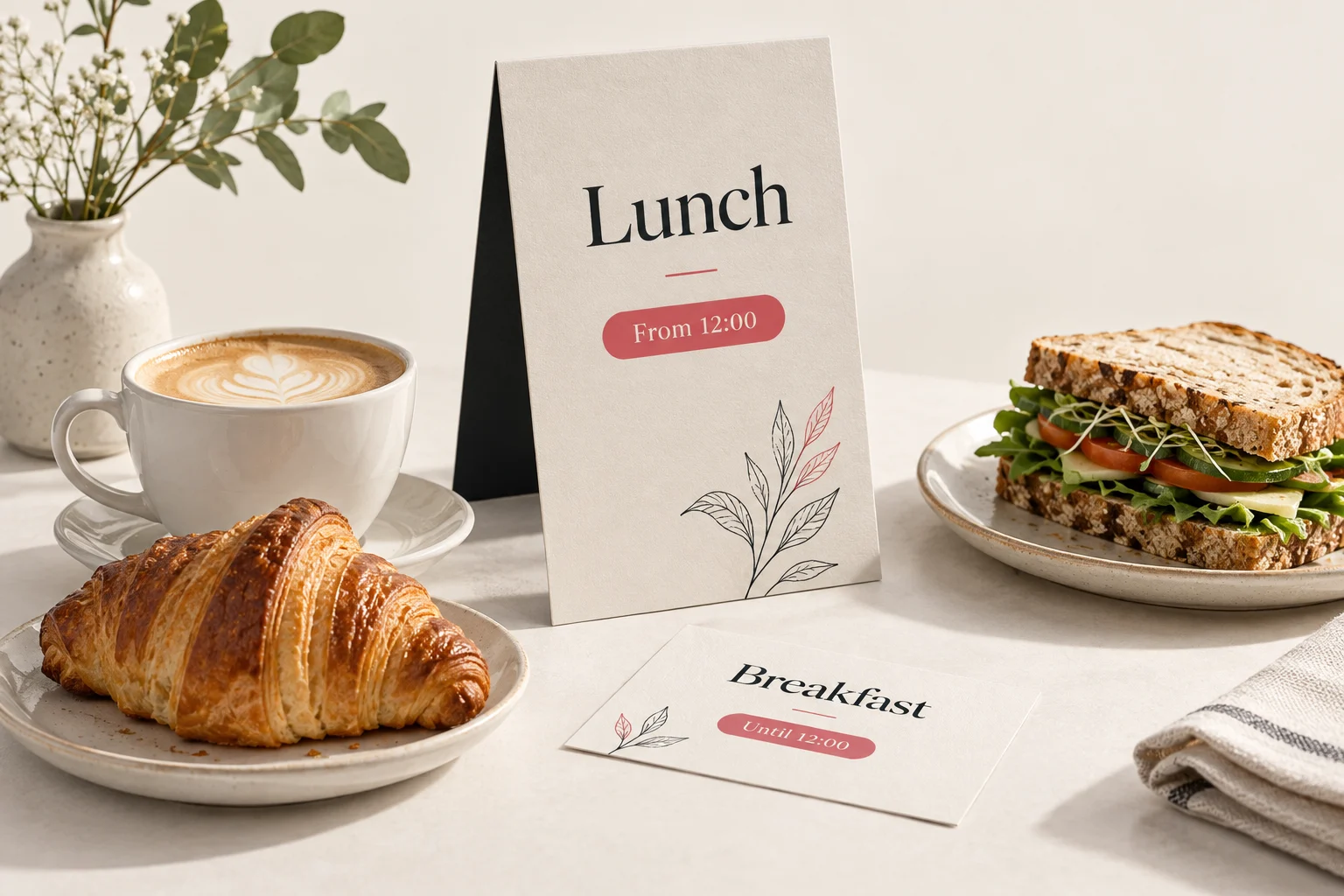
Automatically show the right products at the right time — breakfast, lunch, happy hour, or seasonal specials. Morph keeps your menus tidy and relevant without staff needing to update them manually.

Where the current process starts to break down.

Running a busy cafe, bar, or restaurant means menus change constantly — breakfast to lunch, happy hour to dinner, weekday to weekend. Updating these menus manually in the back office takes time, and in the middle of service it’s easy for staff to forget or put it off. Many businesses end up leaving everything visible all the time, which can clutter tills and slow things down. The result?

  • Overcrowded tills with every product showing all the time.
  • Slower checkouts as staff hunt through long lists of items.
  • Mistakes when the wrong products are sold or old promotions are left active.
  • Frustrated customers waiting longer and receiving the wrong orders.
  • Lost revenue from specials or promotions that aren’t updated on time.

Automation that shows only the products that need to be shown — based on the time of day.

Morph takes the hassle out of menu changes by automatically showing and hiding products at the right times. Whether it’s breakfast, lunch, dinner, or happy hour — your tills stay up to date without staff lifting a finger.

Simulate the rule. Review the results.

Morph evaluates live Epos Now data without applying the proposed changes. Review every matching record with its current and proposed values, then adjust the rule, request a review or choose a live run.

How it comes together

A clear path from setup to a dependable workflow.

Every stage comes directly from the dashboard solution definition.

  1. 01
    fetch

    Select your menu items

    Select the products or categories that should be available for each time slot (e.g. breakfast, lunch, dinner).

  2. 02
    fetch

    Set Sell on Till rules

    Morph will tick Sell on Till for the products you want to show, and untick it for everything else — keeping your till screen uncluttered.

  3. 03
    filter

    Set your schedule

    Decide when each menu should go live. Morph automatically applies the changes at the right times.

  4. 04
    trigger

    Let Morph handle it

    Morph automatically updates your Epos Now menus, keeping tills clean and accurate without staff intervention.

The difference you’ll notice straight away:

  • Keep tills fast and uncluttered — no endless scrolling through long product lists.
  • Eliminate staff mistakes — menus update automatically, so nothing gets forgotten.
  • Only show what’s available — customers see the right products every time.
  • Speed up service — quicker checkouts mean shorter queues and happier guests.
  • Free up staff time — let them focus on serving customers instead of updating menus.
See it in action

See Menu Scheduling in Action

Watch how Morph automatically switches between breakfast, lunch, and dinner menus — keeping tills tidy and customers happy without staff needing to touch the back office.

Other ways to use this solution

The same foundation can support more than one useful business outcome.

  • 01

    Switch to weekend menus automatically without staff needing to remember.

  • 02

    Run seasonal promotions (e.g. Christmas specials) that appear and disappear on set dates.

  • 03

    Set up happy hour pricing that only applies during the right times.

  • 04

    Automatically hide items not available on certain days (e.g. Sunday roast, Friday fish specials).

  • 05

    Use for limited-time events like sports match nights or holiday offers.

Before and after

See the operational change side by side.

Without MorphWith Morph

Staff manually switch menus (if they remember)

Morph automatically shows the right menu at the right time

All products left visible, cluttering the till

Only relevant products are visible — clean, simple tills

Customers see items that aren’t actually available

Customers only see what’s currently available

Slower checkout as staff scroll through long lists

Faster service with shorter queues and fewer mistakes

Specials and promotions often missed or forgotten

Promotions appear and disappear automatically, on schedule

Included starting points

Build this solution from ready-made templates.

Choose one or more of these dashboard-published templates, then tailor the fields, rules and schedule to the business.

Put this solution to work.

Review the product pricing, then choose the closest template or setup when you are ready to begin.