Respond to supplier changes
Update a selected range without working through each product individually.
Morph · Catalogue operations
Supplier changes, new prices, a cleaner catalogue. Morph updates the Epos Now products you select, with a simulation to check the changes before you run them live.
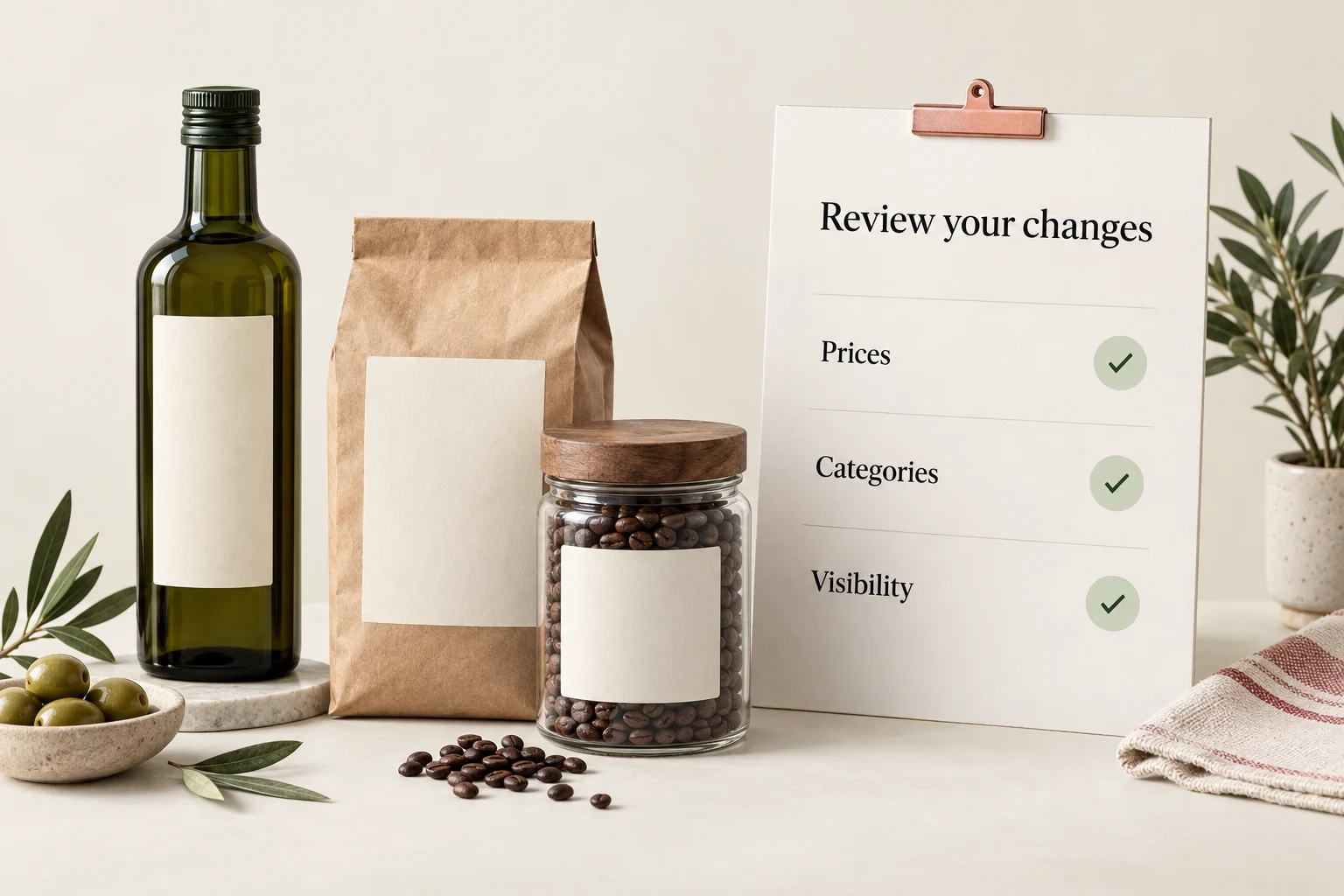
Keep the selection, the change and the review in one workflow.
Filter by supplier, brand, category or product values. Narrow the selection before deciding what should change.
Start with a template and choose supported fields such as selling price, cost price or visibility. Leave unrelated fields alone.
Simulate the update and review matched records and before/after values. Run live only when the result is right, or schedule a recurring rule.
Repeatable catalogue changes, with the scope in your hands.
Watch how filters, update rules and simulation work together for Epos Now product maintenance.
 Solution walkthroughSee a bulk update before it goes live.
These are practical starting points for common updates. Explore the full Morph template library for more product maintenance options.
Target a supplier’s range for a consistent selling-price update.
Apply a cost-price rule to the selected product category.
Maintain a selected brand’s range using an explicit archive rule.
Keep till button colours consistent within a category.
Use the Morph guides for setup detail, or ask our team to help you review the filters and actions before a live run.
Illustrative scope. A simulation is a separate run; review current data before applying live changes.
Update a selected range without working through each product individually.
Apply a reviewed pricing rule to the products that need it.
Use repeatable field rules instead of ad-hoc edits across your range.
Review matched records and prepared changes in simulation before a live run.
Morph writes changes into Epos Now. Simulation lets you inspect the proposed work without writing it, but it is not an undo button or a guarantee that a rule is right for your business.
Choose a template and turn a repetitive editing task into a clear, reviewed process.
Start with a ready-made template and adapt the rules to your operation.
Choose a template →Talk through the records, rules and safeguards your job needs.
Talk to our team →